Understanding Compiler, Linker, and Loader: Key Differences Explained
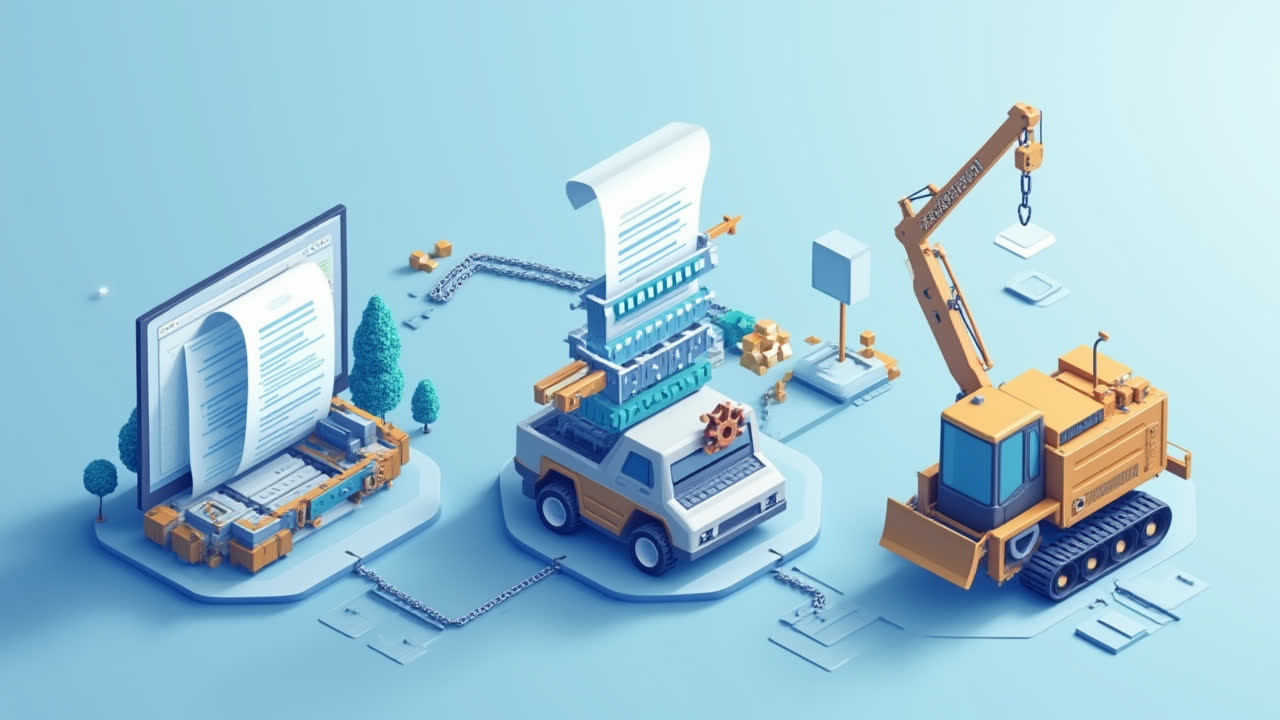
When developing computer programs, several system software components work behind the scenes to transform human-readable code into executable programs. The compiler, linker, and loader are three crucial components that play distinct roles in this process. Have you ever wondered how your code actually becomes a running program on your computer? The answer lies in understanding these three essential tools and how they interact.
In the world of computer programming, these three components form the backbone of program execution. Though they often work together seamlessly, each performs a specific function that contributes to the overall process of converting source code into a running program. For beginners and experienced developers alike, understanding the differences between these tools can provide valuable insights into how programs are built and executed.
In this article, we'll explore what compilers, linkers, and loaders are, their key differences, and how they work together in the program execution process. By the end, you'll have a clear understanding of each component's role and why they're essential in modern computing.
What is a Compiler?
A compiler is a specialized software tool that transforms human-readable source code into machine code or an intermediate representation called object code. When a programmer writes code in languages like C, C++, Java, or Python, they're creating instructions in a high-level language that humans can understand. However, computers can't directly execute this source code—they need it translated into a language they understand.
This is where compilers come in. The compilation process involves several steps, including lexical analysis, syntax analysis, semantic analysis, and code generation. During these phases, the compiler checks for errors in the code, optimizes it for better performance, and converts it into object code. Think of a compiler as a translator that bridges the gap between human language (source code) and computer language (object code).
One important characteristic of compilers is that they perform a complete translation of the program before execution begins. Unlike interpreters, which translate and execute code line by line, compilers process the entire program at once. This approach generally results in faster program execution, as the translation work is done beforehand. Modern compilers also include sophisticated optimization techniques that can significantly improve the performance of the resulting code.
Different programming languages have different types of compilers. Some produce object code that can be directly executed on a specific hardware platform, while others generate intermediate code that requires additional processing before execution. For instance, C and C++ compilers typically produce machine-specific object code, while Java compilers generate bytecode that's executed by the Java Virtual Machine (JVM).
What is a Linker?
After the compiler generates object code, the linker takes over. A linker is a program that combines multiple object files into a single executable file or library. When you're developing a complex program, it's common practice to split your code into multiple files for better organization and maintainability. Each of these files is compiled separately, resulting in multiple object files.
The linker's primary job is to resolve references between these separate object files. For example, if a function in one file calls a function defined in another file, the linker connects these references. But that's not all—the linker also performs several other crucial tasks. It combines the object files with standard libraries that provide pre-written code for common functions, resolves symbolic references, and assigns final addresses to variables and functions in the combined program.
Have you ever encountered a "linker error" when compiling a program? These occur when the linker can't resolve all references in your code. For instance, if you call a function that isn't defined anywhere in your program or the linked libraries, you'll get a linker error informing you about the unresolved reference. These errors can be frustrating but are the linker's way of ensuring that all parts of your program can work together correctly.
The output of the linking process is an executable file that the operating system can load and run. Different operating systems use different formats for executable files—Windows uses .exe files, while Linux and Unix systems typically use ELF (Executable and Linkable Format) files. Regardless of the format, these files contain all the information needed to execute the program, including the machine code instructions and any necessary metadata.
What is a Loader?
Once the compiler and linker have done their jobs, the loader steps in to prepare the program for execution. A loader is a part of the operating system responsible for loading programs from storage (like a hard drive) into memory and preparing them for execution. When you double-click an executable file or run a command in the terminal, the loader is what actually gets your program up and running.
The loading process involves several steps. First, the loader reads the executable file from storage and allocates the necessary memory for the program. It then copies the program's code and data into memory and performs any required relocations. Relocations involve adjusting memory addresses in the program to account for where it's actually loaded in memory. The loader might also need to load additional libraries that the program depends on. Finally, it initializes registers and other execution environment details before transferring control to the program's entry point.
Modern operating systems use sophisticated loading techniques to optimize memory usage and program startup times. For example, many systems use "lazy loading" or "demand paging," where parts of the program are only loaded into memory when they're actually needed. This approach reduces the initial load time and memory footprint of programs. Another common technique is "shared libraries" or "dynamic linking," where multiple programs can share a single copy of a library in memory, further reducing memory usage.
The loader plays a critical role in memory management and program isolation. It ensures that each program gets its own memory space and can't interfere with other running programs or the operating system itself. This isolation is essential for system stability and security. Without proper loading mechanisms, a buggy program could crash the entire system or, worse, allow malicious code to access sensitive data or take control of the computer.
Key Differences Between Compiler, Linker, and Loader
Now that we've explored each component individually, let's compare them directly to understand their key differences and how they work together in the program execution pipeline. While they all contribute to the same end goal—running your program—they perform distinct functions at different stages of the process.
| Aspect | Compiler | Linker | Loader |
|---|---|---|---|
| Primary Function | Translates source code to object code | Combines multiple object files into an executable | Loads the executable into memory for execution |
| Timing in Execution Process | First step - Before program execution | Second step - After compilation, before execution | Final step - Immediately before execution |
| Input | Source code (human-readable) | Object files and libraries | Executable file |
| Output | Object code | Executable file or library | Running program in memory |
| Location | Development environment | Development environment | Operating system component |
| Common Errors | Syntax errors, semantic errors | Undefined references, multiple definitions | Missing dependencies, insufficient permissions |
| When It Runs | During development | During development/build | During program execution |
| User Interaction | Directly invoked by developers | Usually invoked automatically by build system | Invoked automatically by OS when running programs |
The Complete Program Execution Process
To better understand how compilers, linkers, and loaders work together, let's walk through the complete process of how a program goes from source code to execution. Imagine you're developing a C++ program that spans multiple files. Your project might include several .cpp files, each containing different parts of your program, along with header files (.h) that declare functions and data structures shared across files.
The journey begins with the compiler. When you build your project, the compiler processes each source file separately. It reads the source code, checks for syntax and semantic errors, and if everything looks good, it generates an object file for each source file. These object files contain machine code but are not yet executable because they may contain unresolved references to functions or variables defined in other files.
Next, the linker takes these object files and combines them into a single executable file. It resolves references between the files, incorporates code from standard libraries (like functions for input/output or mathematical operations), and sets up the initial program state. The result is an executable file that contains all the code and information needed to run your program, but it's still just sitting on your hard drive.
Finally, when you decide to run the program, the loader steps in. When you double-click the executable or enter its name in a command prompt, the operating system passes control to the loader. The loader reads the executable file, allocates memory for the program, loads the program's code and data into memory, performs any necessary relocations, and sets up the execution environment. Once everything is ready, the loader passes control to your program's entry point (usually the main function), and your program begins executing.
This entire process—from compilation to linking to loading—happens seamlessly in modern development environments. Integrated Development Environments (IDEs) like Visual Studio, Eclipse, or Xcode manage these steps for you, often with just a single "build and run" command. But behind that simple command lies a complex interaction of these three essential system components, each performing its specialized role in bringing your code to life.
Frequently Asked Questions
Why do we need both a compiler and an interpreter?
Compilers and interpreters serve different purposes and have different advantages. Compilers translate the entire program at once, which typically results in faster execution but slower development cycles. Interpreters execute code line by line, which allows for more interactive development and easier debugging but generally slower execution. Many modern programming environments actually use a combination of both approaches to balance development speed and execution efficiency. For example, languages like Java and C# use a compiler to translate source code to an intermediate form (bytecode), which is then executed by an interpreter (the virtual machine).
What's the difference between static and dynamic linking?
Static linking and dynamic linking are two different approaches to incorporating library code into a program. In static linking, the linker copies all the necessary library code directly into the executable file during the linking phase. This creates larger executables but ensures that the program has everything it needs to run without dependencies. In dynamic linking (also called shared libraries), the executable contains references to the libraries but not the library code itself. The actual linking occurs at runtime when the loader loads both the program and its required libraries into memory. Dynamic linking creates smaller executables and allows multiple programs to share a single copy of a library in memory, but it means the program depends on the correct libraries being available on the system where it runs.
Can a program run without going through all three processes?
Yes, not all programming languages or environments require all three steps in their traditional form. Interpreted languages like Python, JavaScript, or Ruby don't use a separate compilation and linking phase in the traditional sense. Instead, they're either interpreted directly from source code or compiled to an intermediate form at runtime. However, even in these languages, there are analogous processes happening. For example, JavaScript engines like V8 (used in Chrome and Node.js) include just-in-time (JIT) compilers that compile code to machine code during execution for better performance. And all programs, regardless of how they were created, need some form of loading to get them into memory and running. So while the traditional compiler-linker-loader pipeline might not be visible in all programming environments, similar concepts still apply in different forms.
Conclusion
Understanding the differences between compilers, linkers, and loaders provides valuable insight into how computer programs are built and executed. Each component plays a crucial role in transforming human-readable source code into running programs. The compiler translates source code into object code, the linker combines multiple object files into executable files, and the loader places programs into memory and prepares them for execution.
While these components often work together seamlessly in modern development environments, recognizing their distinct functions can help programmers better understand and troubleshoot issues that arise during development. Whether you're writing a simple script or developing complex software, the compiler, linker, and loader are working behind the scenes to bring your code to life.
As programming languages and environments continue to evolve, the boundaries between these components may blur, and new approaches to program translation and execution may emerge. However, the fundamental concepts they represent—translation, combination, and preparation for execution—will remain essential to the world of computer programming.